Customizing Your Wellness Center
Your Wellness Center should reflect your brand, and it's easy to make it feel like your own. Here's what you can personalize.
Colors
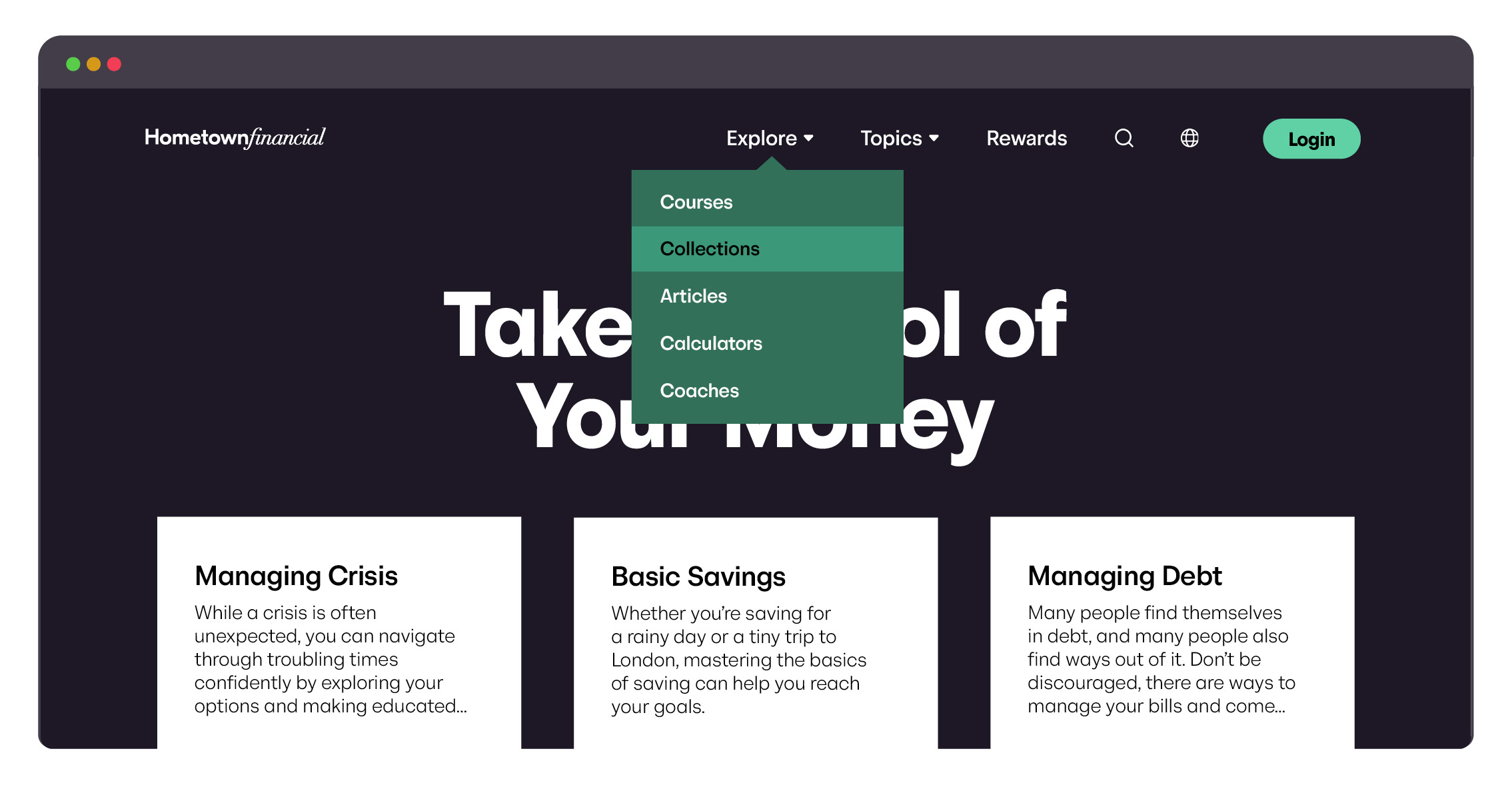
Match the button and dropdown colors to your own primary and secondary brand colors. Your Banzai Representative will apply your selections across the Wellness Center.
Illustration & Artwork Style
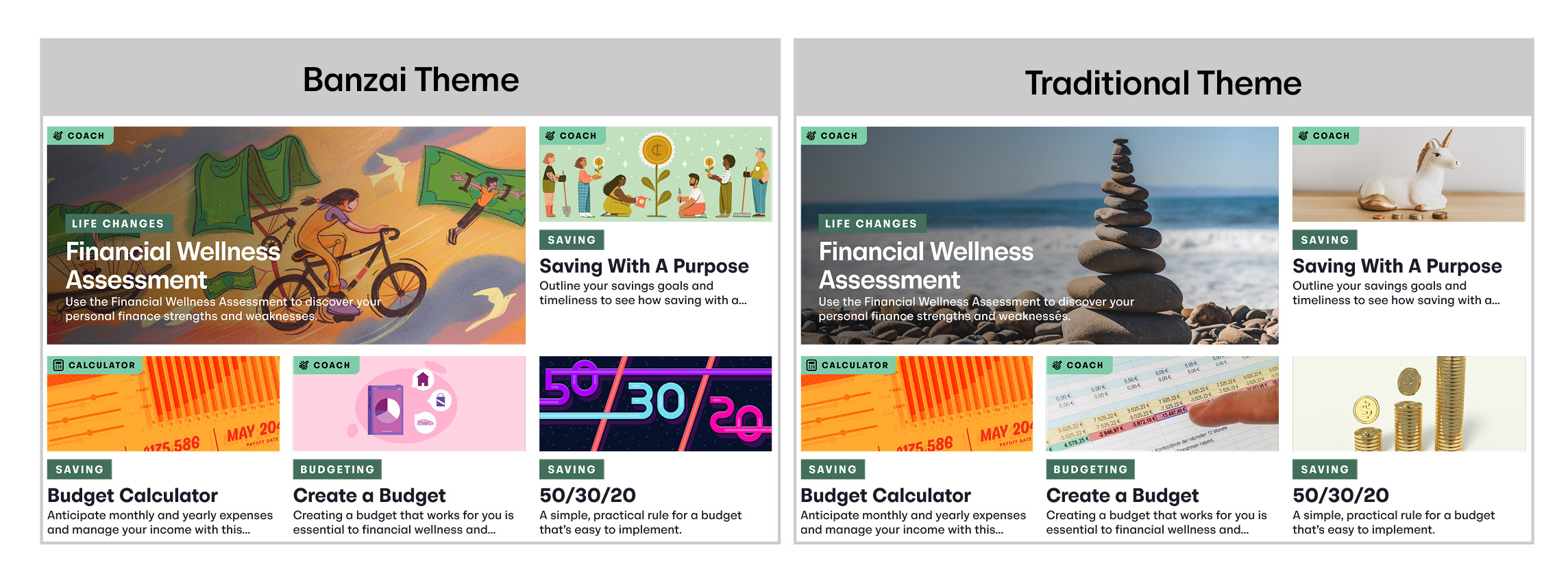
Pick a visual style that fits your brand:
- Banzai Theme—playful, illustrated, friendly.
- Traditional Theme—polished, photo-based, professional.
Background
Choose the background that pairs best with your logo:
- Light background with your full-color logo
- Dark background with your white logo for contrast

Font
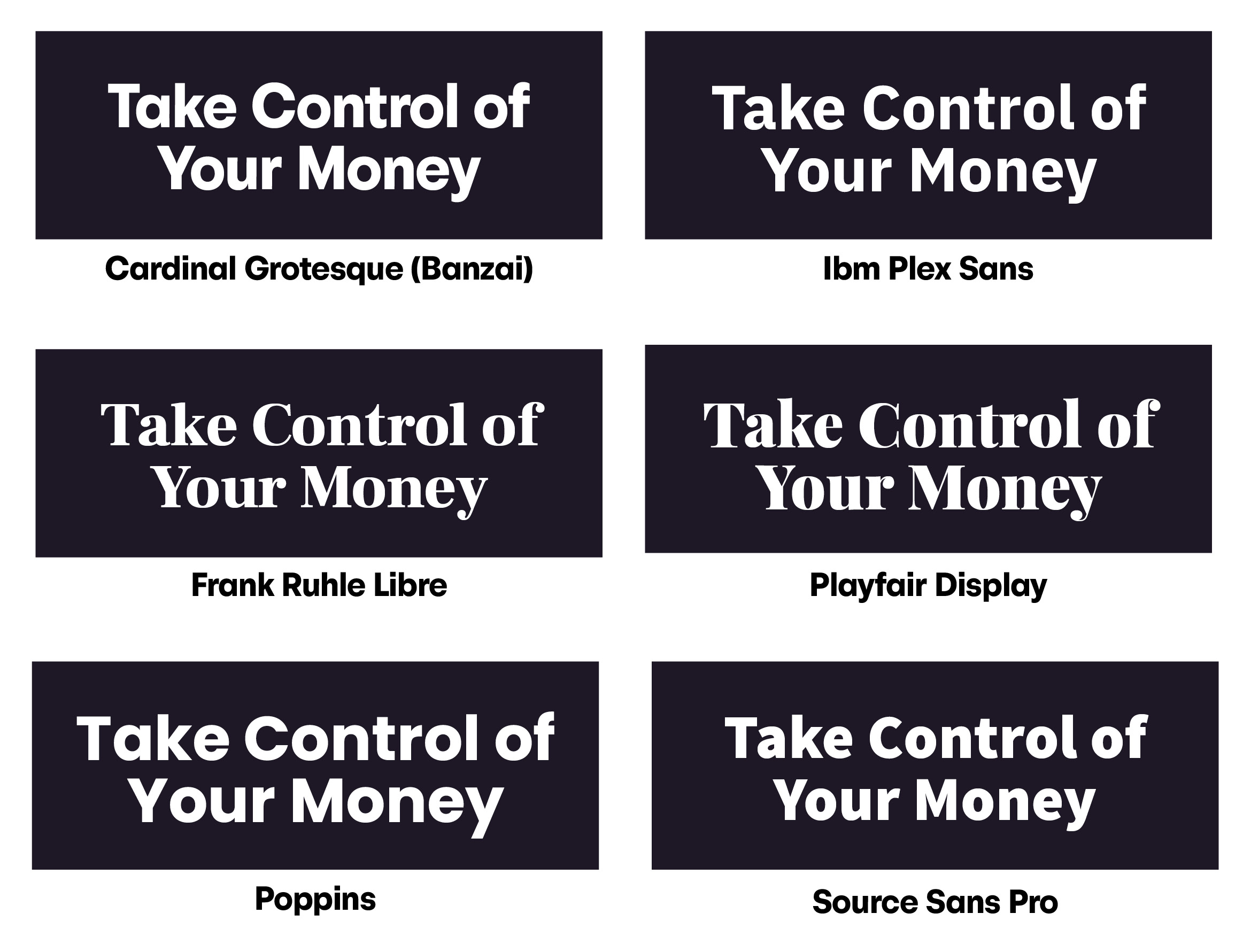
Select from six font options to complete your branded experience:
- Cardinal Grotesque (Banzai default)
- IBM Plex Sans
- Frank Ruhl Libre
- Playfair Display
- Poppins
- Source Sans Pro
How to Apply Your Customizations
Send your color, theme, background, and font selections to your Banzai Representative. They'll apply your choices to your Wellness Center and walk you through any preview steps before going live.