Collections of Content
Banzai has already created over 40 different collections, each focused on a single life-literacy topic. You can choose up to 3 collections to highlight at the top of your Wellness Center homepage. These collections can be swapped out as often as you'd like with the help of your Banzai Representative.
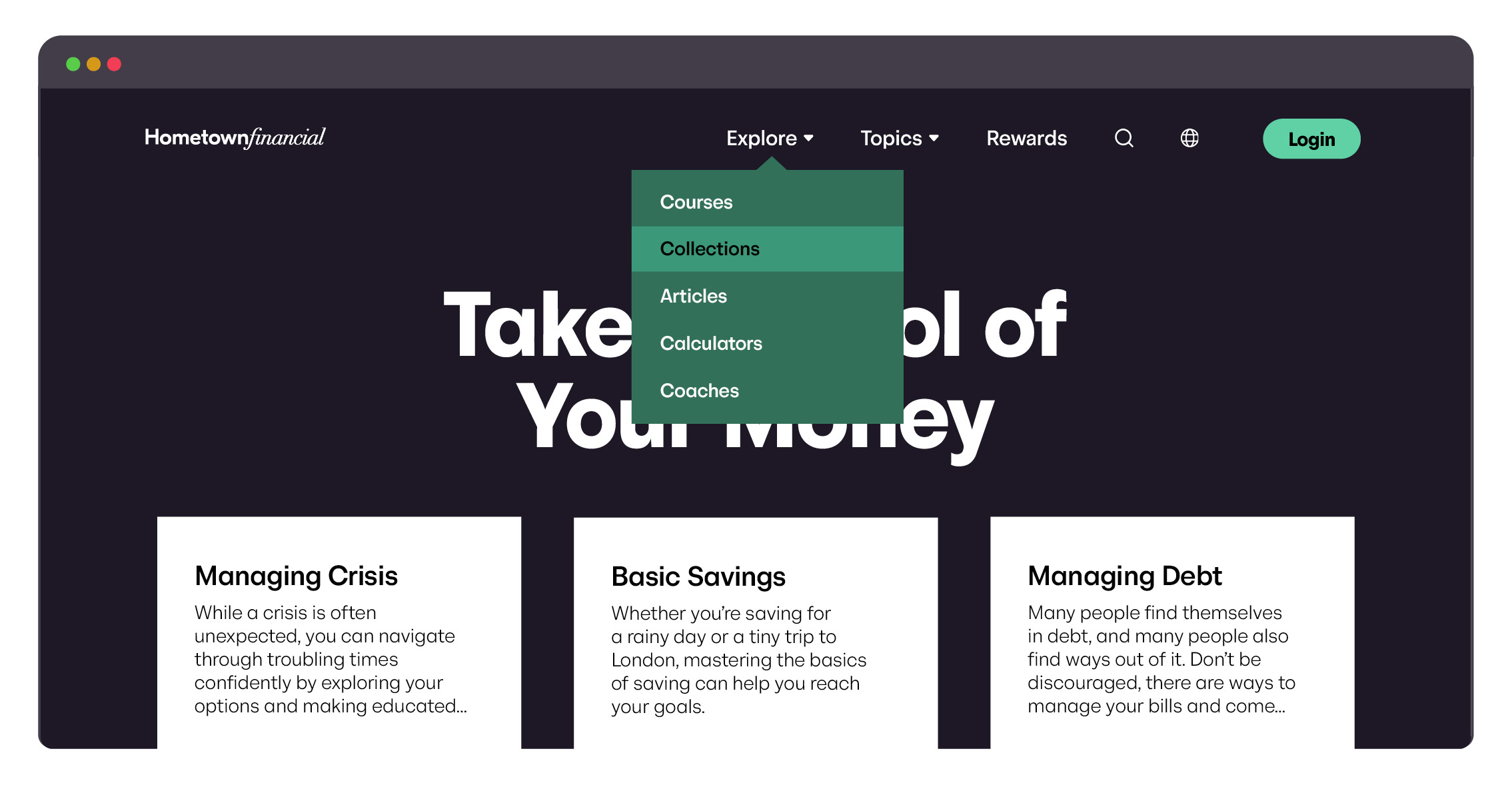
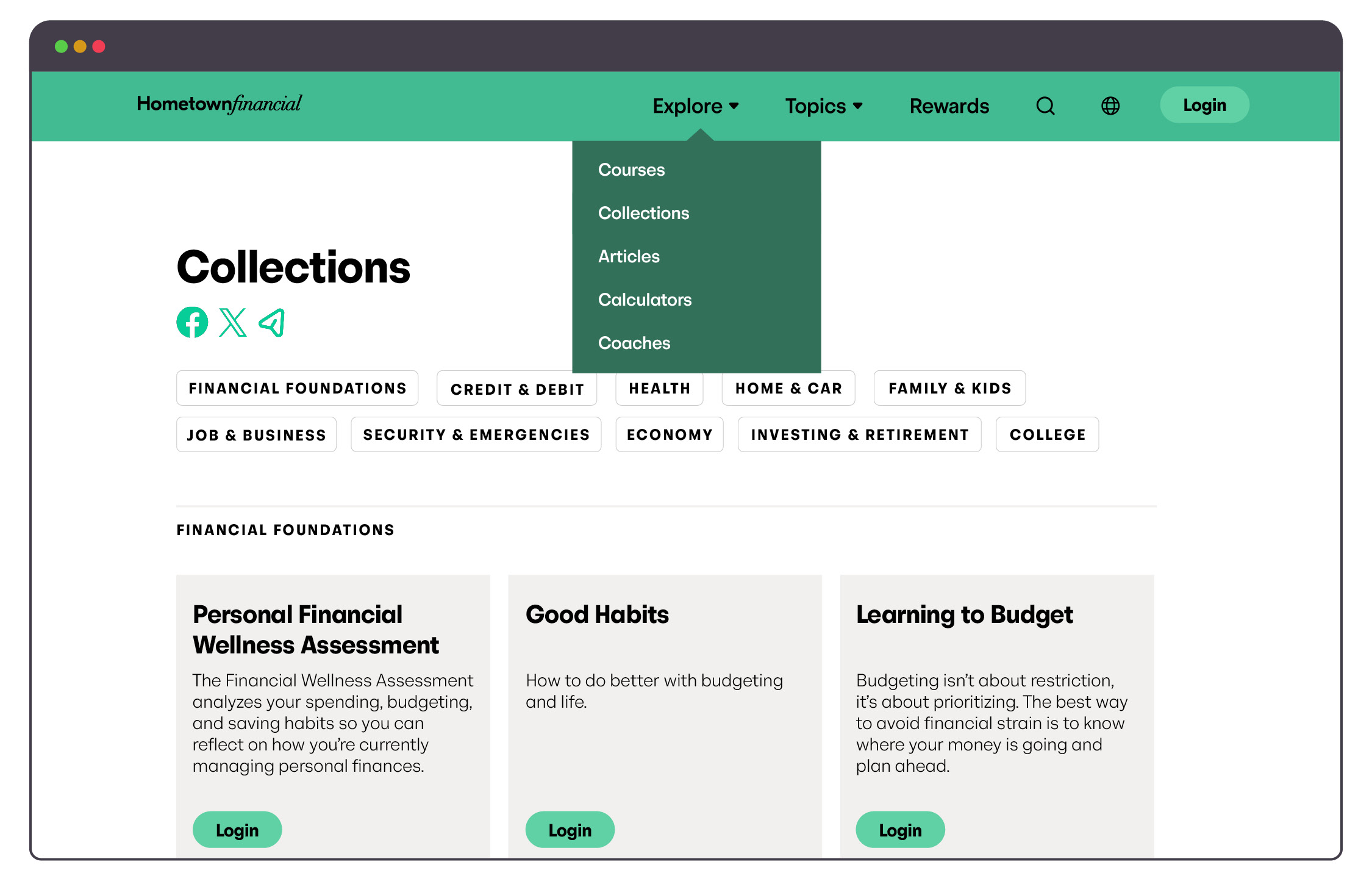
Find collections from your Wellness Center view
- Select the Banzai Direct tab in the Banzai Manager.
- Click Explore at the top of the Wellness Center view.
- Select Collections to view all available pre-built collections.
Add collections to your Wellness Center homepage
- Choose 1–3 collections of content to feature on your homepage.
- Email the list to your Banzai Representative.
Your Representative will configure the selected collections to appear at the top of your homepage. You can request changes any time—collections rotate seasonally, monthly, or on whatever cadence makes sense for your program.
Custom Collections
Your Banzai Representative can help you build a brand-new collection suited to any topic, audience, or event. Custom collections appear on your homepage alongside (or in place of) the pre-made Banzai collections.
How to request a custom collection
Email the following information to your Banzai Representative:
- Title (around 40 characters)
- Description (around 240 characters)
- 1–10 resources to include in the collection