Calls to Action (CTAs)
Add clickable CTAs or prompts throughout any featured resources. CTAs encourage users to act on what they learn in Banzai resources—a great way to offer relevant financial products and services in context. They can be customized and added to any individual resource.

Two CTA Placements
Top Banner
An unobtrusive bar that shows when users start scrolling down on a resource page. It appears at the top of a resource and urges the user to either visit a part of your institution's website or submit their contact information for a personal follow-up from a financial expert within your organization.

Footer
Similar to the banner, the footer is a bar at the bottom of the text that encourages the user—after reading the resource—to find relevant institutional products and services.

Two Outcome Options
Each CTA option has one of two outcomes. These outcomes can vary between resources but never within the same resource.
Pop-up Title
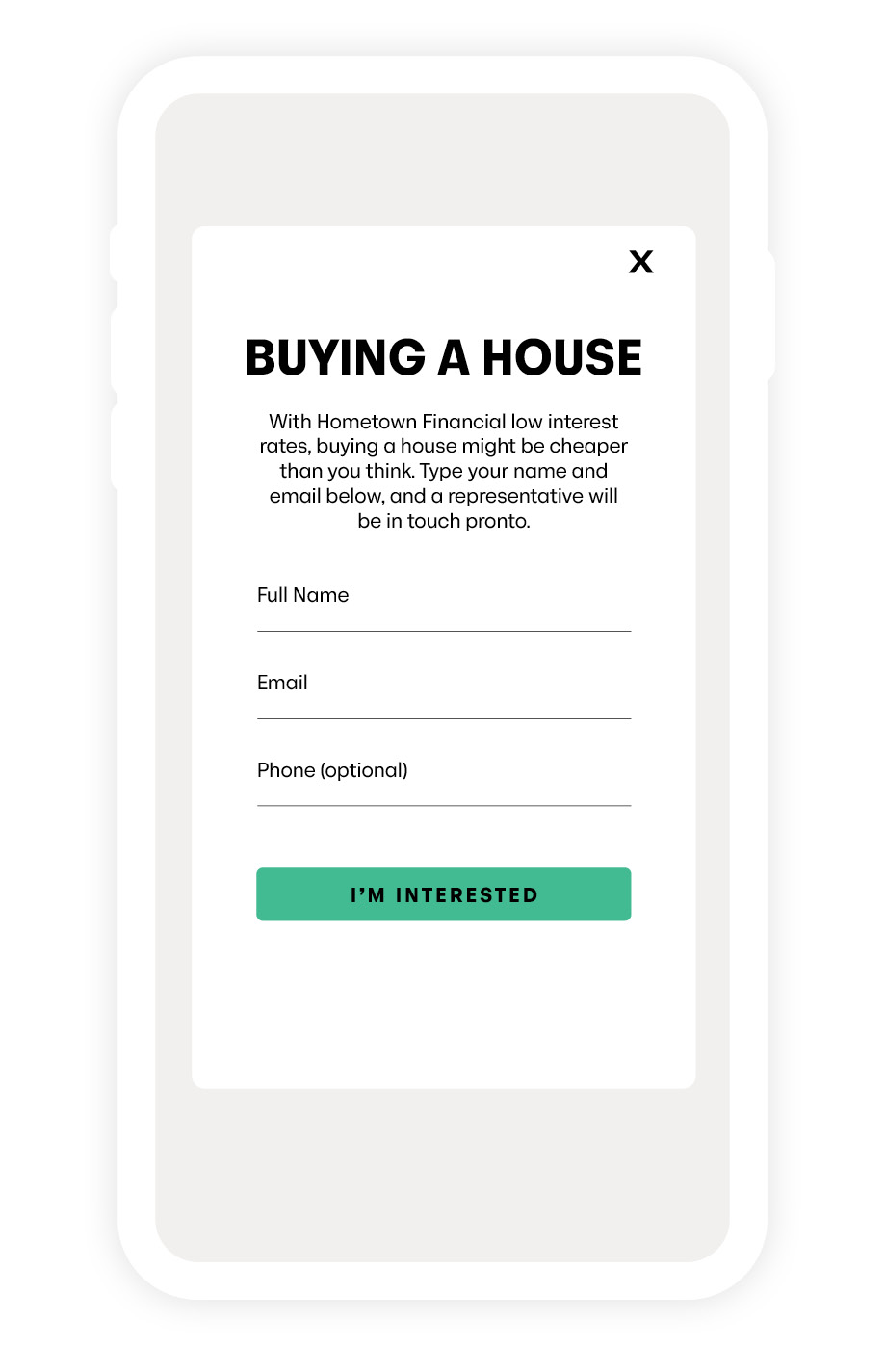
When the user clicks the CTA, a pop-up window appears asking the user to enter their contact information. Any CTA lead is automatically emailed to a designated contact at your organization and recorded in the Leads section of the Banzai Manager.
External link
When the user clicks the CTA, they're taken to a URL of your choice—a product page on your institution's site, a PDF, a video, or any other web destination.
Default CTAs
Banzai also offers default CTAs, which your Banzai Representative can activate for you upon request if you prefer not to create your own. These are a good starting point for new partners.
How to Create a Pop-up CTA
Email the following to your Banzai Representative:
- Header text (48 character limit)
- Footer text (173 character limit)
- Button label (17 character limit)
- Pop-up title (16 character limit)
- Pop-up text (173 character limit)
How to Create a CTA That Links to a Website
Email the following to your Banzai Representative:
- Header text (48 character limit)
- Footer text (173 character limit)
- Button label (17 character limit)
- Destination link—where the CTA should send users
Where Leads Are Captured
CTA submissions go to two places:
- Email—automatically sent to the contact you designate
- Leads section of the Banzai Manager—so you can track and follow up at your own cadence